Showing posts with label 6th Grade Photoshop. Show all posts

Wednesday, May 14, 2014

Morphing with Cartoons

I wanted to change up the morphing project and decided to combine it with the juxtaposition project. Students had to morph together THREE cartooned images into a real photograph. This created the element of surprise found in juxtaposition. We hope we make you do a double take. Can you figure out what is cartoon and what is real in the images? Morphing their cartoon images with a realistic scene made for a new creative, interesting mage. Morphing is a special effect in motion pictures and animations that changes (or morphs) one image into another through a seamless transition. Most often it is used to depict one person turning into another through technological means or as part of a fantasy or surreal sequence. Traditionally such a depiction would be achieved through cross-fading techniques on film. Since the early 1990s, this has been replaced by computer software to create more realistic transitions.


Monday, May 12, 2014

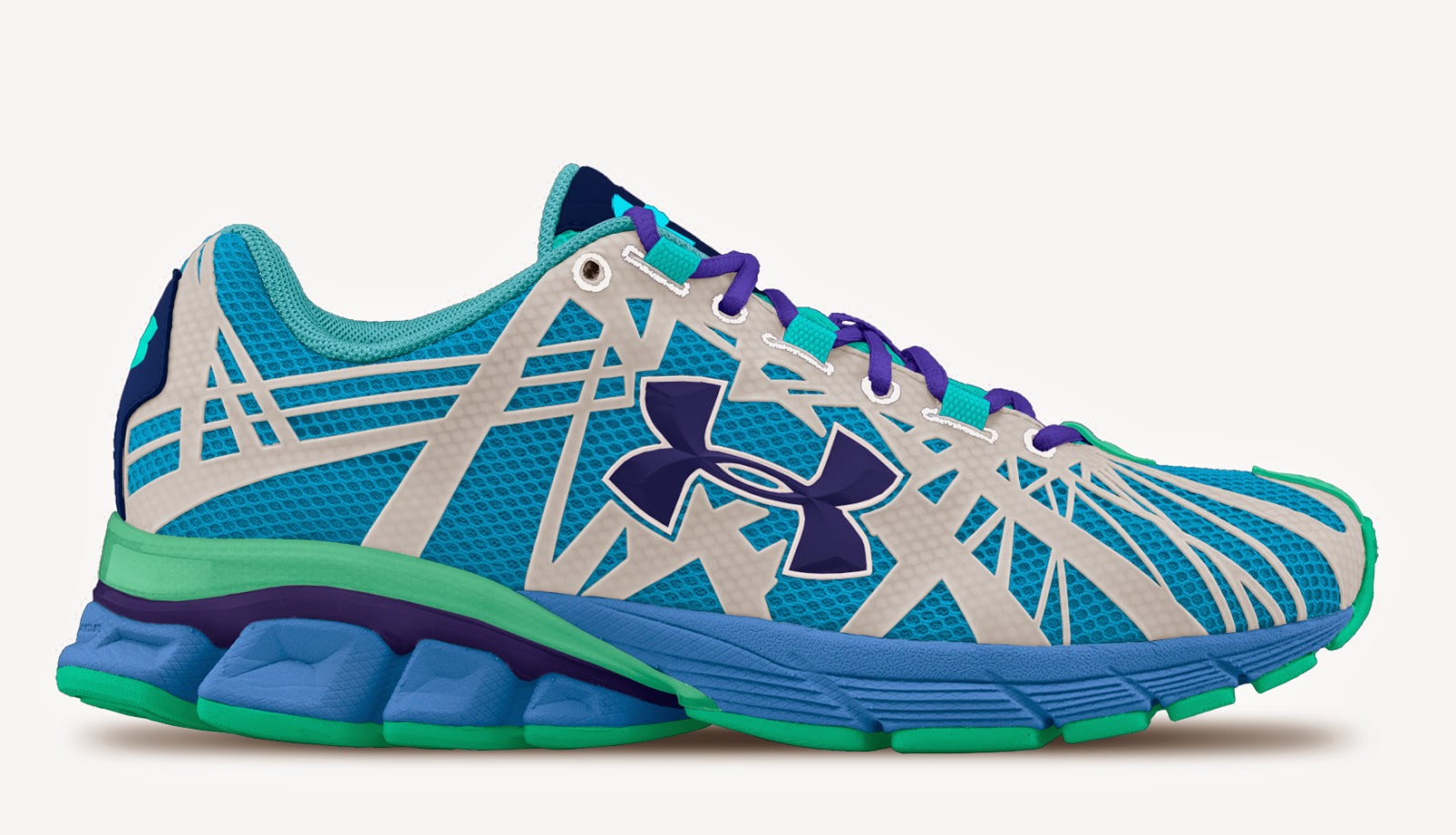
Redesign a tennis shoe!

Sneakers are not only what our Sixth Graders wear to school every day. They are an iconic symbol and an expression of one's personality. Learning about layers and color applications, Sixth Grade Photoshop designed their own Nike and Under Armour sneakers. Check out the finished products:


Tuesday, April 15, 2014

Kaleidoscopes

A kaleidoscope creates beautiful, colorful patterns using mirrors carefully placed in a cylinder. Sixth Grade Photoshop replicated this in two dimensions. They began by finding an object of interest and using the macro setting on the camera to take a close-up photo. They then cropped a small, square portion of the photo and rotated and repeated this image many times. Can you recognize any of the objects below? Some of them include a locker combination, quilt, baseball glove, and chip bag.